Profit & Loss Statement Printout
Choose the layout and options needed to print the profit and loss statement or save it as an Excel file.
🖨️ Printing
To obtain a printout or Excel file, use the Print action from action bar. The appearance of the print settings window will depend on the default print format.
For the RDLC layout, you can choose options:
Print
Preview & Close
Excel layout, on the other hand:
- Download
We can change the choice of default layout in addition to general settings, also on the displayed report request page, in the space shown below:
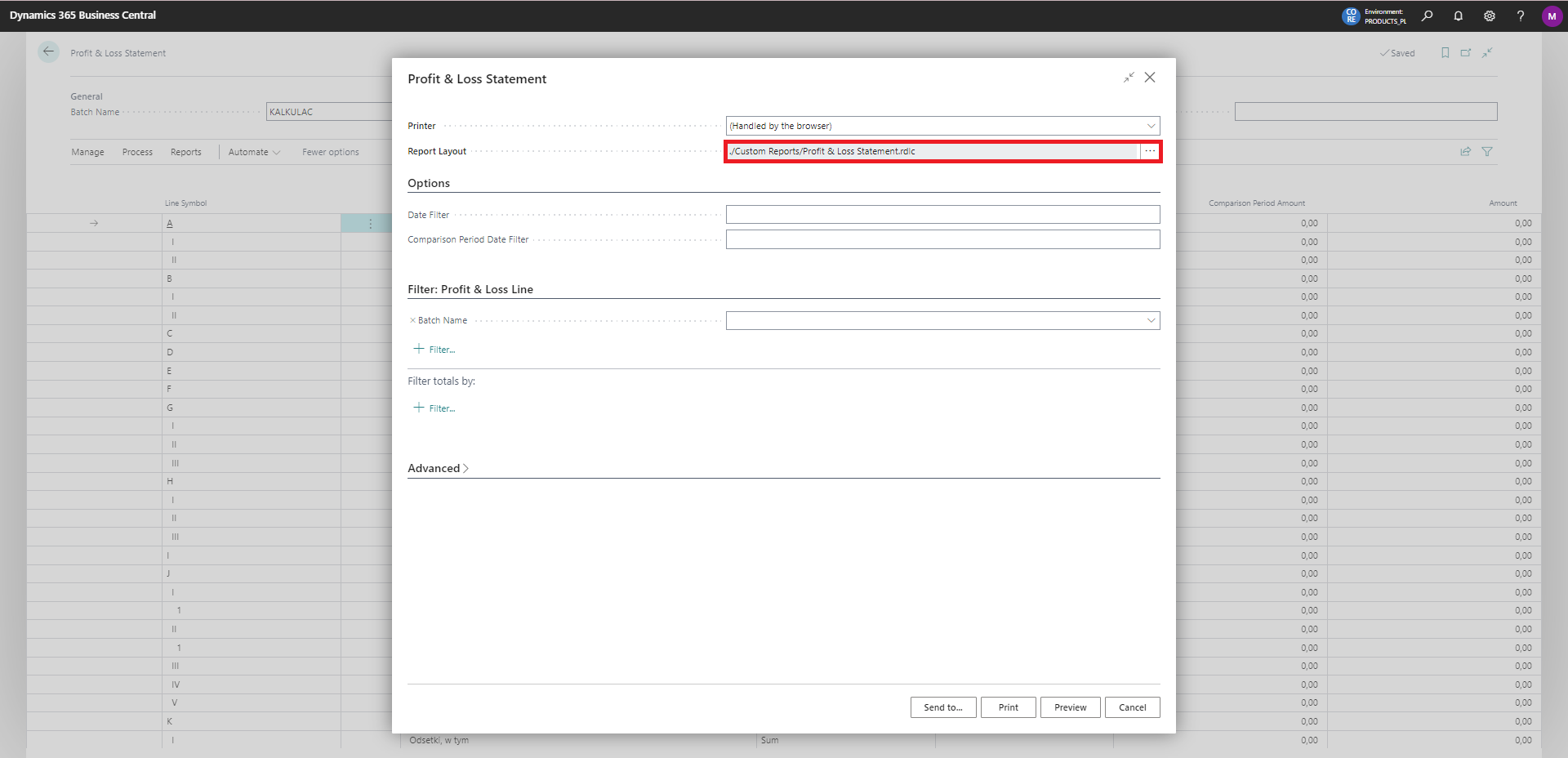
Note
An additional layout in Excel format allows to generate an Excel file with the data. It is fully modifiable, which makes it possible to adapt the layout to the user's needs.