NAV24 Logo
  • Home
PL | EN
Show / Hide Table of Contents

Start Page

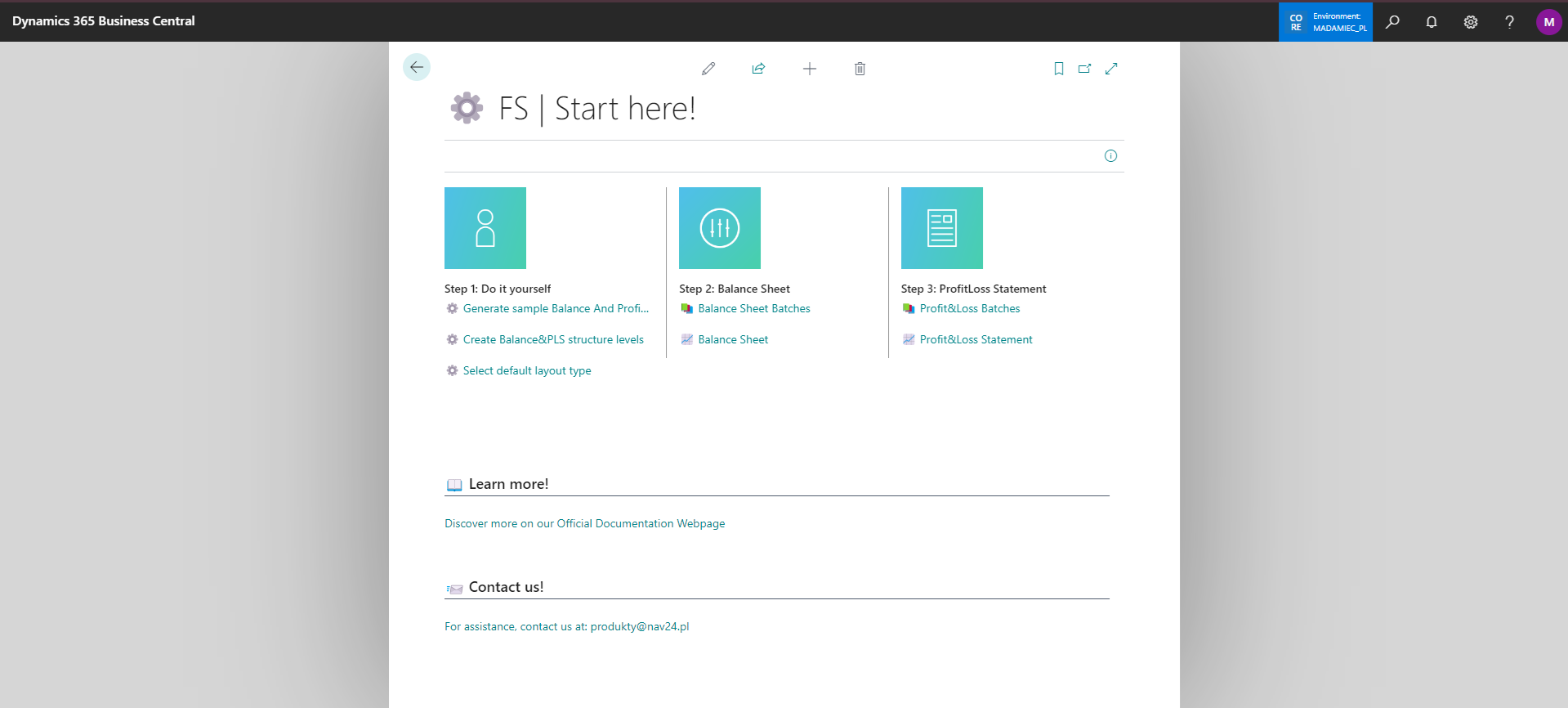
The page allows quick access to all settings from one place. You can navigate to it directly by searching for it by name ⚙️ BS | Start Here!, find it on the Assisted Setup page, or by clicking on the Manage ➡️ Set up action on the Extension Management page.

Configuration start page with tiles and shortcuts to extension settings

In this article
Questions? 👉 Contact us: produkty@nav24.pl ↑ Back to top