Balance Sheet Printout
Choose the layout and options needed to print the balance sheet or save it as an Excel file.
🖨️ Printing
The Print action lets you create a printout or Excel file using the selected report layout.
For the RDLC layout, you can choose options:
Print
Preview & Close
Excel layout, on the other hand:
- Download
We can change the choice of default layout in addition to general settings, also on the displayed report request page, in the space shown below:
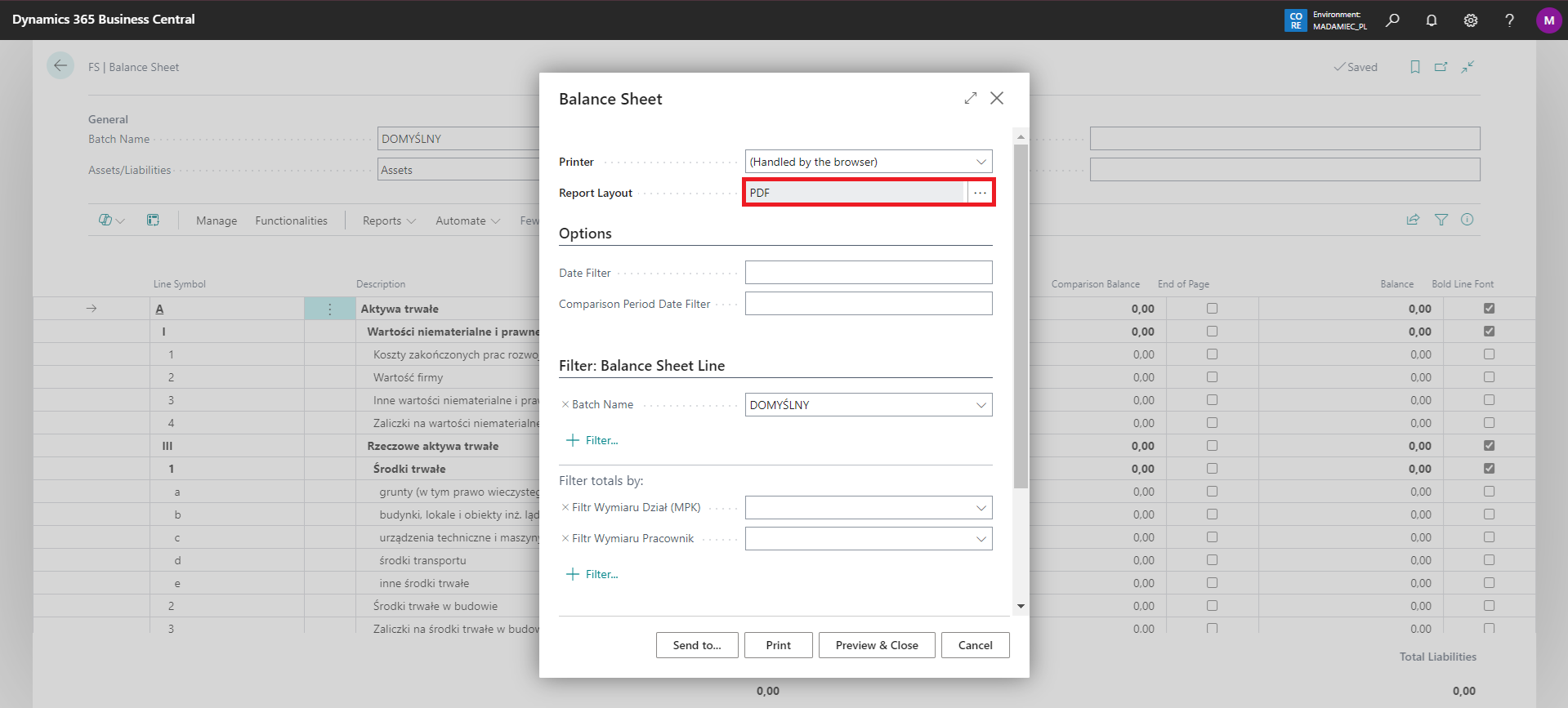
Print layout note
Note
An additional layout in Excel format allows to generate an Excel file with the data. It is fully modifiable, which makes it possible to adapt the layout to the user's needs.