Production Orders
The Production Orders module checks data completeness and limits manual changes to maintain a consistent production process.
❓ Introduction
The module validates production order lines and supports work with status, BOM, routing, and location data.
🔍 How it works
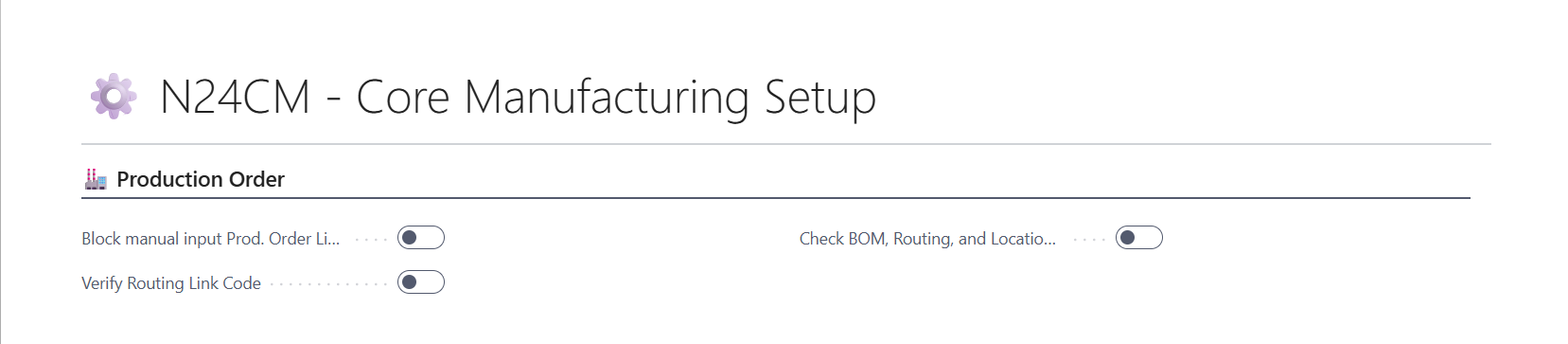
After a production order is refreshed, the module can check whether every line has a BOM, routing, and location code. If data is missing, it displays a message with the item number so you can complete the line before continuing.
Before you change a Production BOM status to Certified, the module can also check that every item line has a routing link code.
The manual line insertion block leaves line creation to the Refresh Production Order action. This keeps production order lines aligned with their source data.
🚀 How to enable the module
- Open N24CM - Core Manufacturing Setup.
- Enable the required Production Orders checks.
- Save the setup.