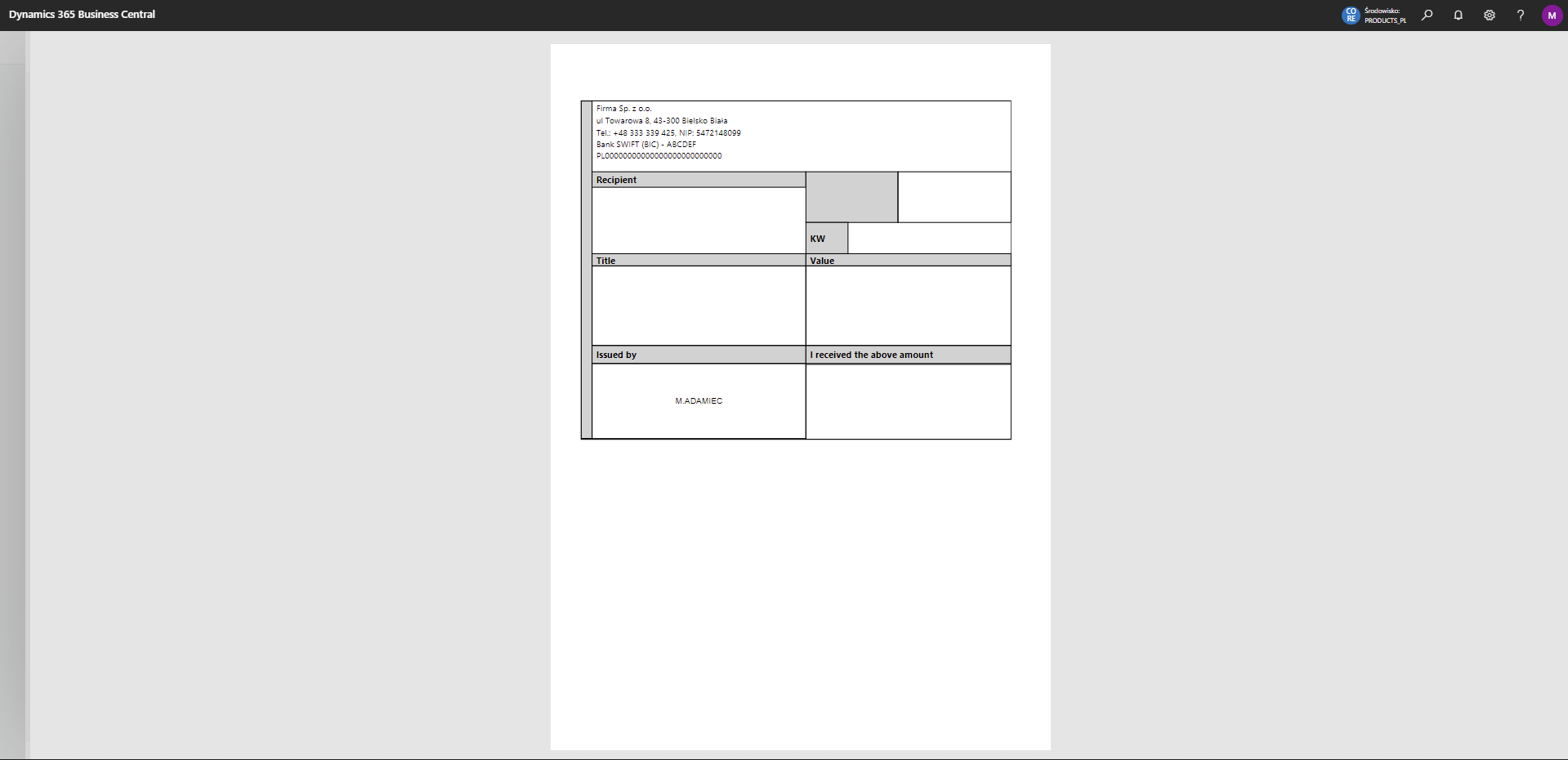
Cash Receipt, Cash Withdrawal Report
Describes how to print Cash Receipt and Cash Withdrawal documents from journals and how to configure Post and Print.
🧾 Printing the documents
Print the documents from Bank Account Ledger Entries, from General Journals using the Print Report action, and from the Cash Receipt Journal using either Post/Print or Print Report.
Tip
In order to configure the ability to print a report from the system action Post and Print, follow these steps:
- go to General Journal Templates
- in the column Posting Report ID for row with the type Cash Receipts set the report with ID 55622.
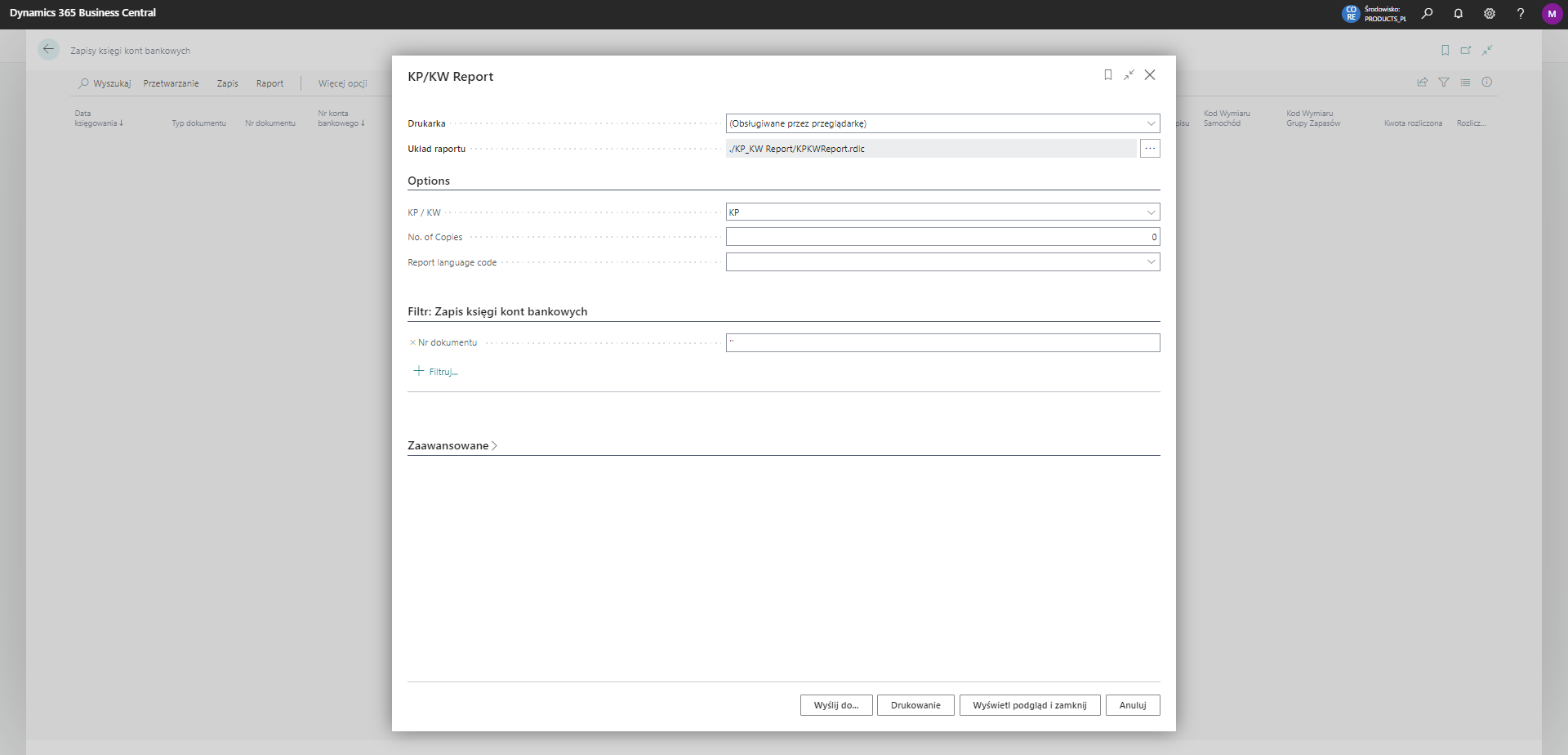
The options we can set for the currently printed report are shown below:
Warning
To use the reports in languages other than English, you will need to install the language packs provided free of charge by Microsoft on AppSource.
👁️ Report preview
Example preview of the report: