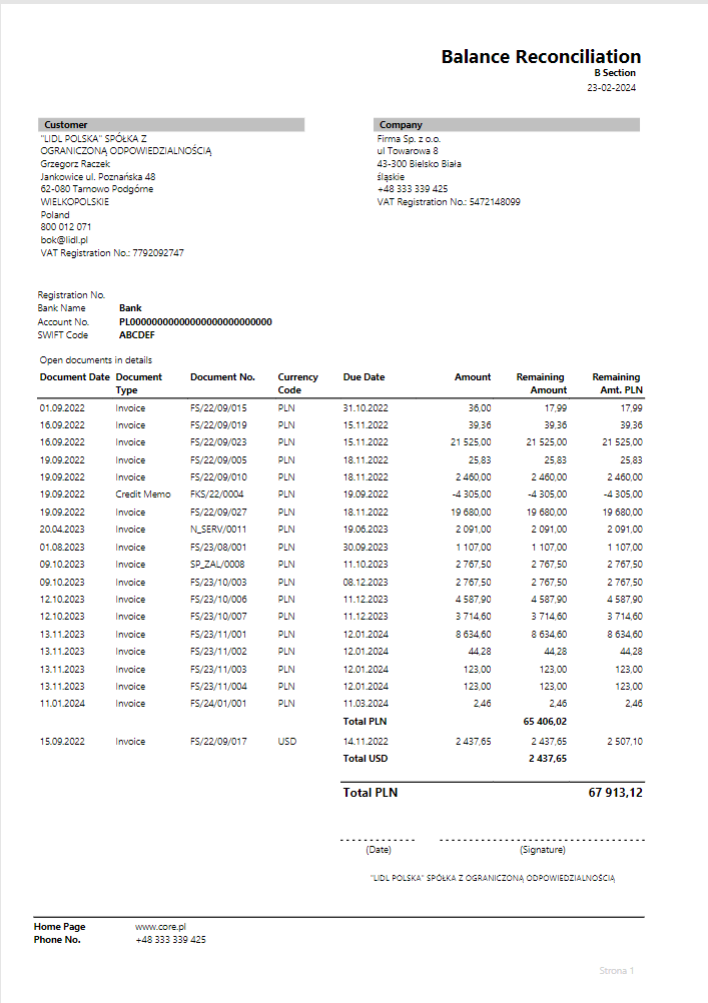
Customer Balance Reconciliation
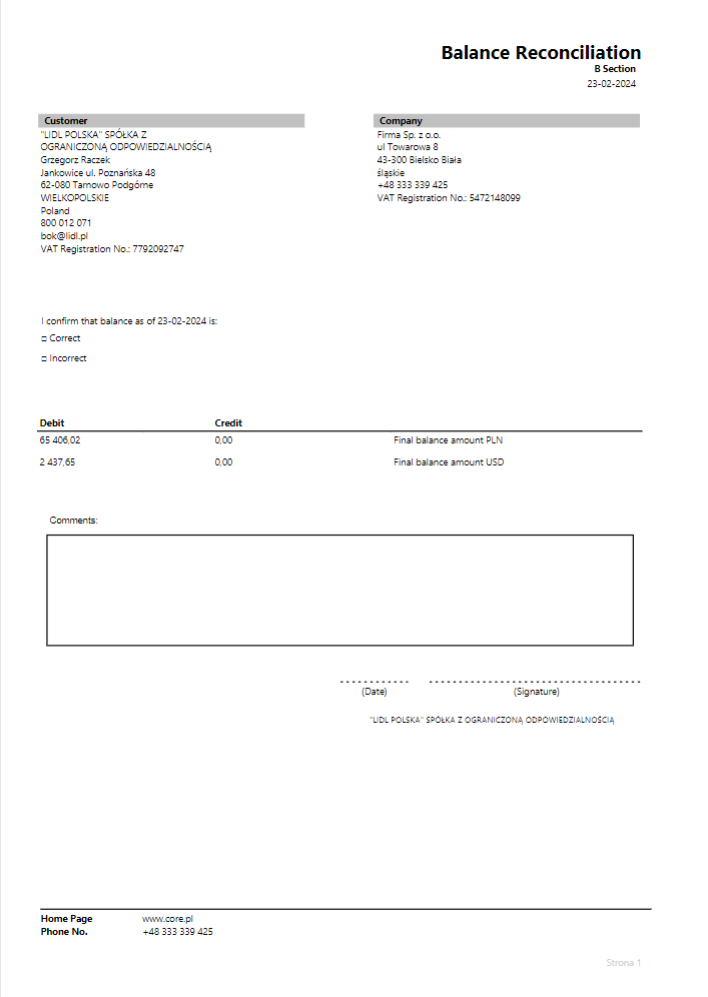
The customer balance reconciliation report helps verify receivables and send the document directly from Business Central.
You can print the report from the Tell me what you want to do window.
The options we can set for the currently printed report are shown below:
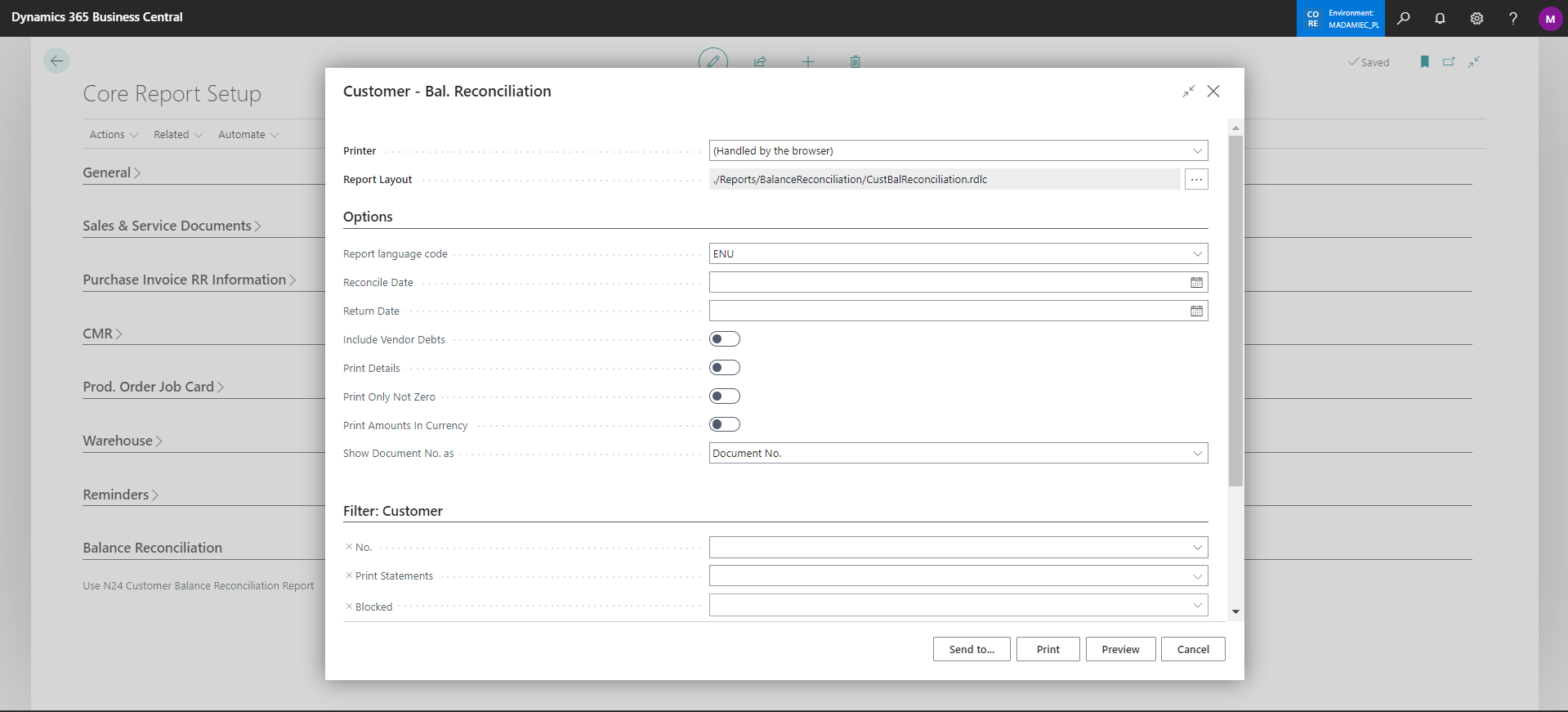
You can also send the printout directly to the customer via email. This can be done from:
- Customer lists and cards
- Posted sales invoices
- Customer ledger entries
Note
In the general setup Core Report Setup, you can choose which report to use: the standard one or the one containing your modifications.
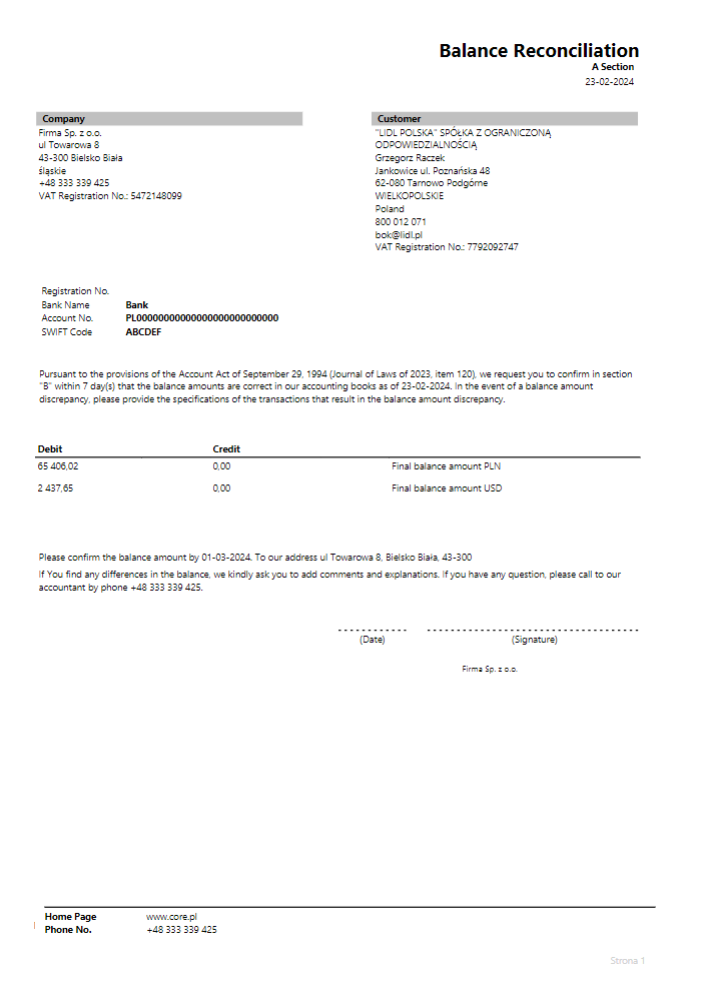
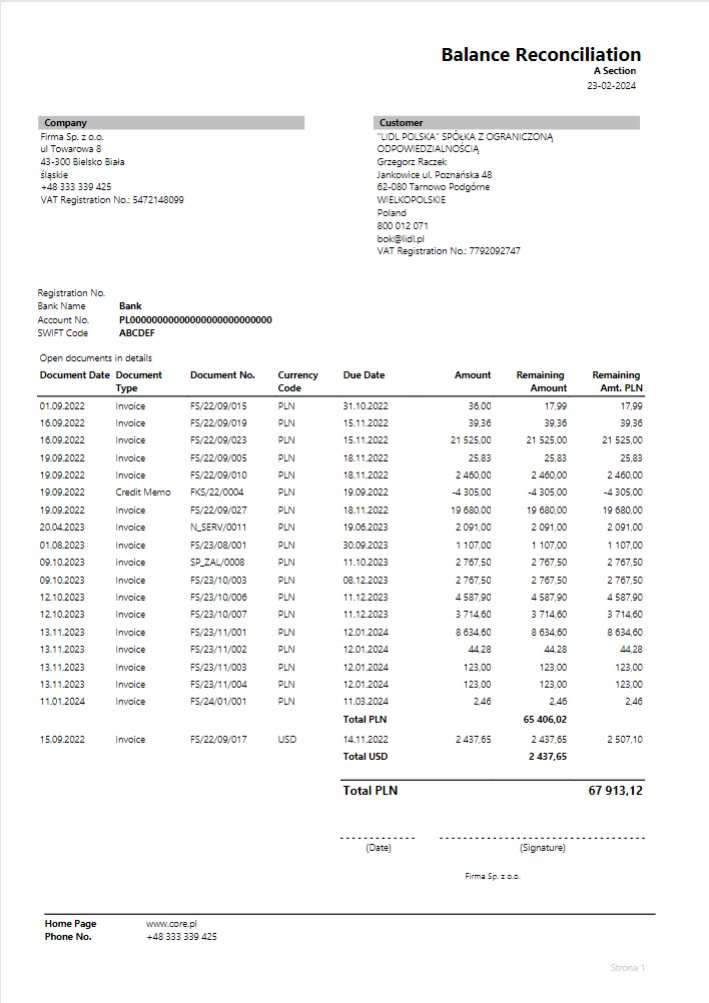
Example preview of the report:
|
|
|
|