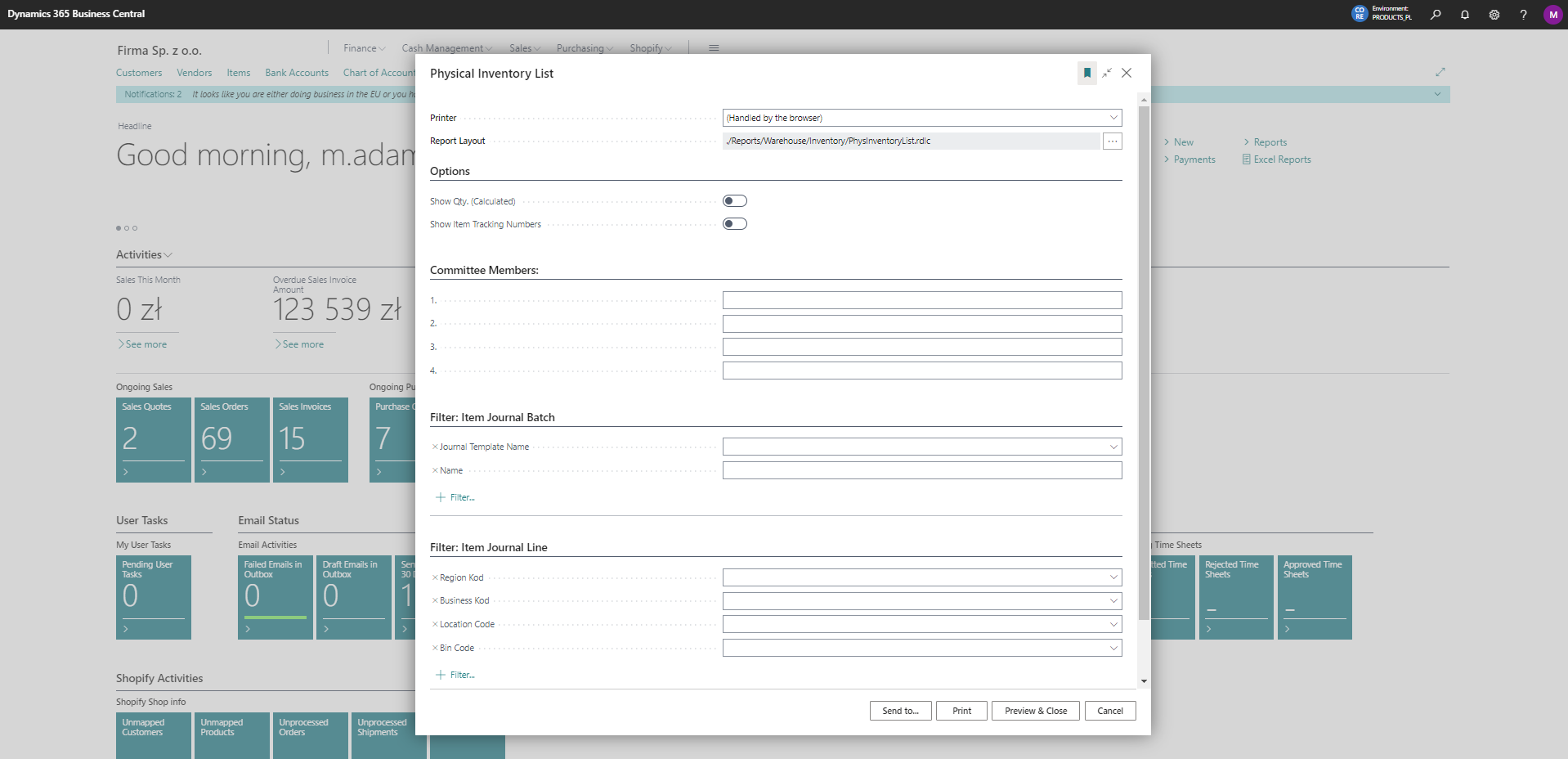
Physical Inventory List
The physical inventory list report can be run from the physical inventory journal.
Printing of the report is possible from the Physical Inventory Journal.
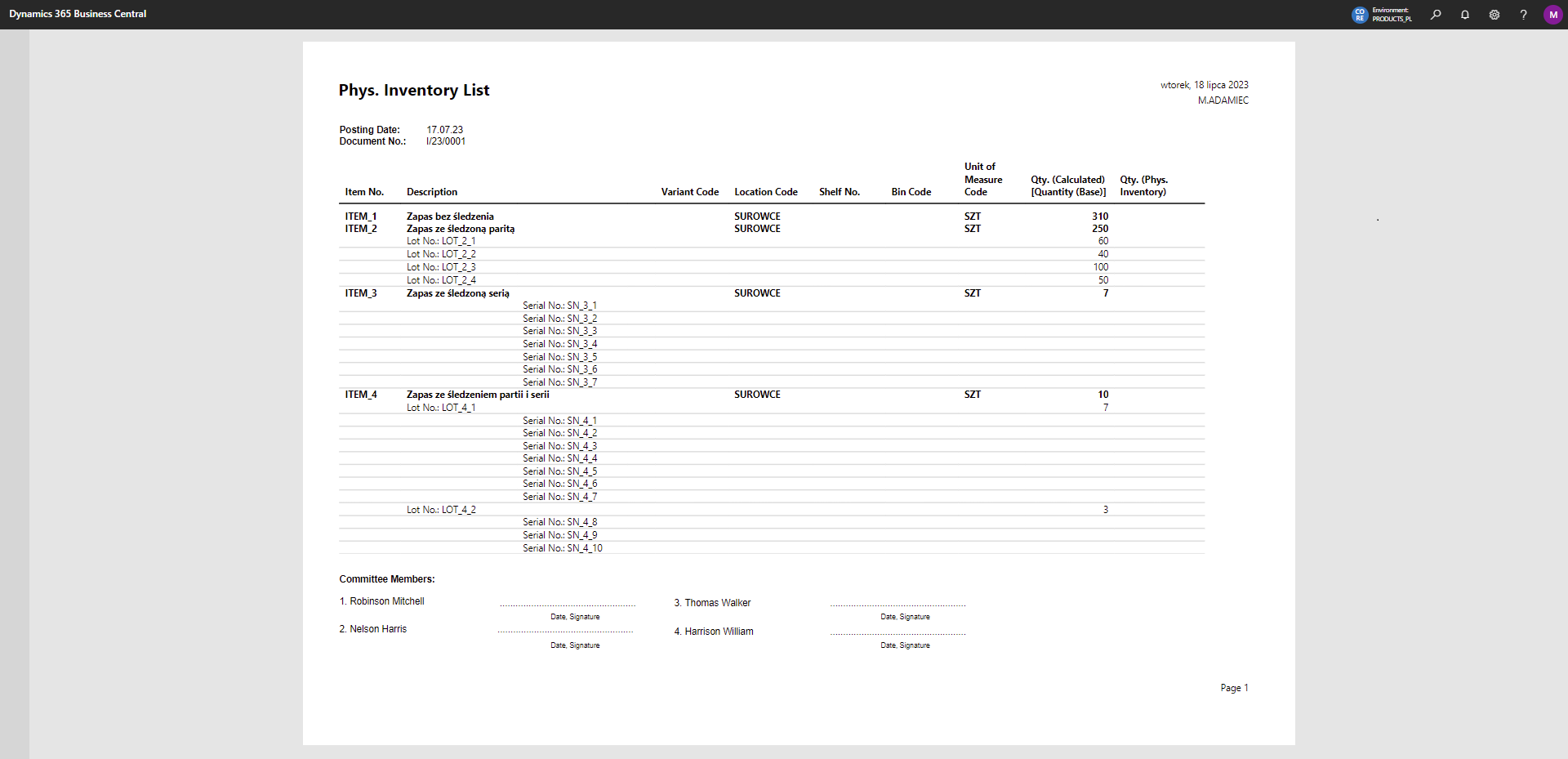
For reports that do not show details, alternate line coloring was applied. Otherwise, this option is disabled automatically.
The options we can set for the currently printed report are shown below:
Example preview of the report:
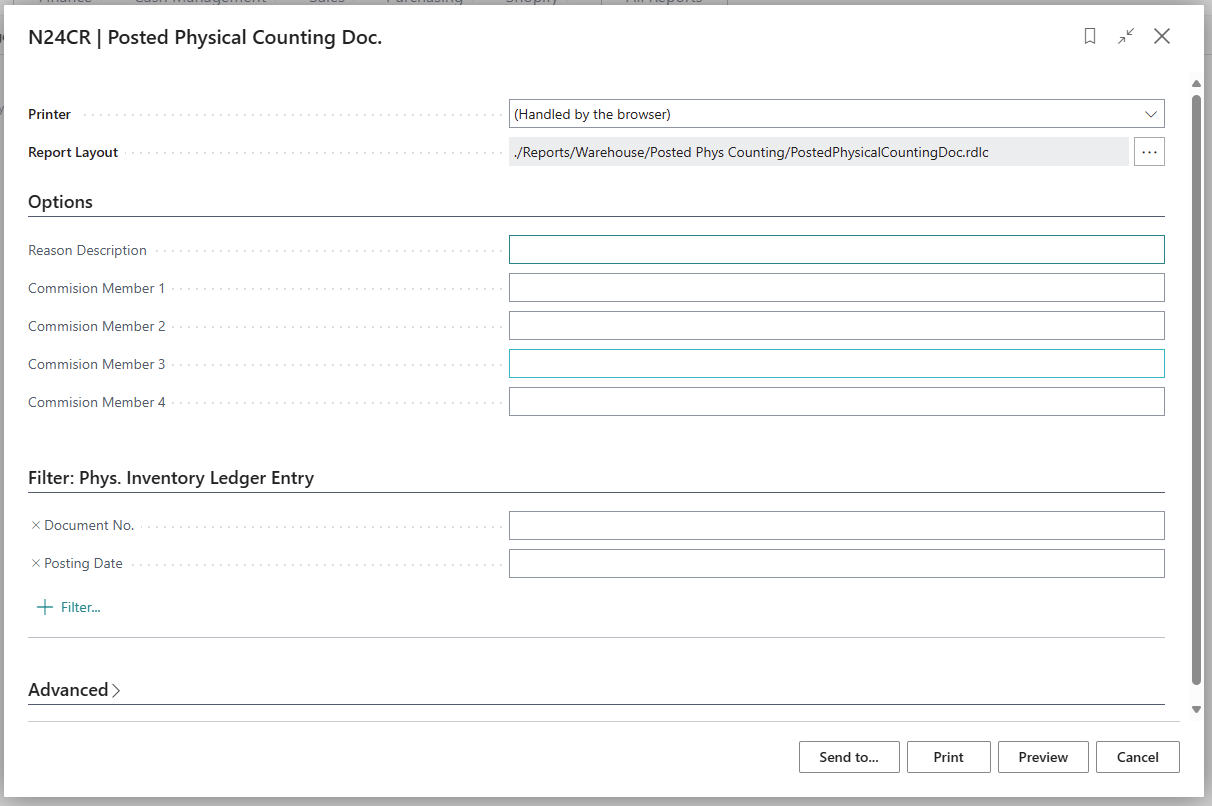
📋 Posted Physical Counting Document
Printing of the report is possible from Phys. Inventory Ledger Entries.
The report provides detailed information about the posted physical counting document, including values and quantities of posted discrepancies.
The options we can set for the currently printed report are shown below: