Additional Cost Posting Setup
The page defines account mappings used during parallel cost posting.
🔎 Open the setup page
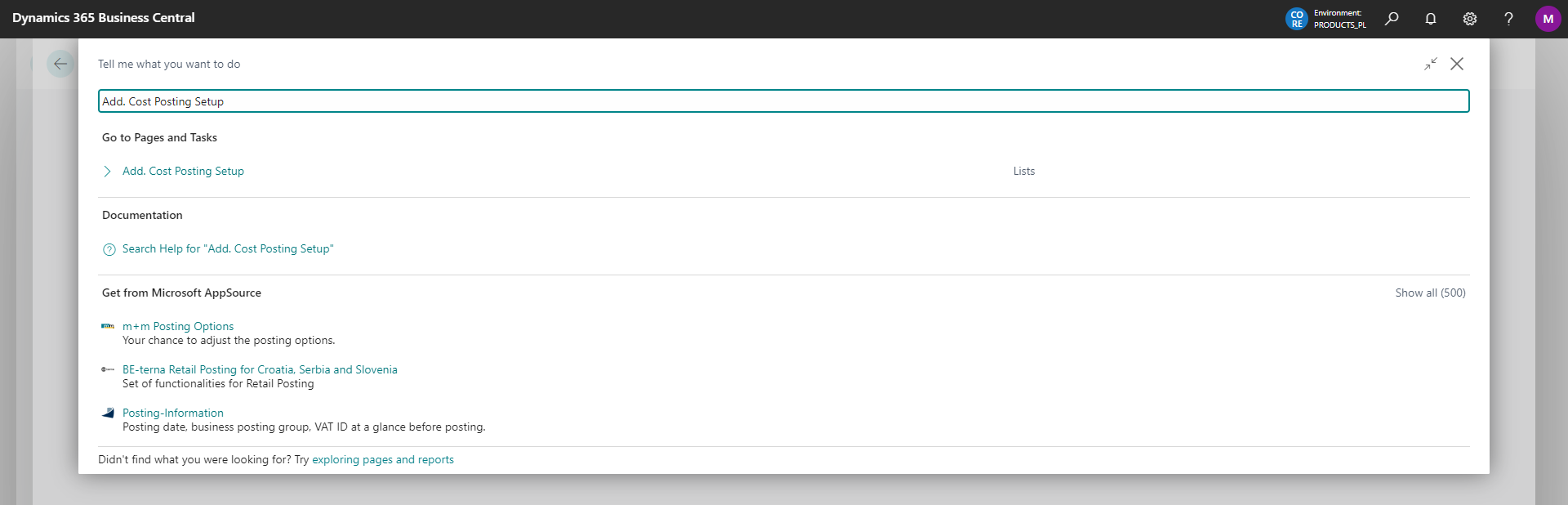
Accounts with cost types assigned in G/L Account Settings require mapping. In Search, enter Additional Cost Posting Setup.
⚙️ Map accounts
Map accounts to be re-posted when they have the same cost type on the account card.

| Field | Description |
|---|---|
| Cost Type | Assign the same cost type to several accounts to define their re-posting, for example from group 4 accounts to a group 5 account. The Qty. G/L Account column shows the number of assigned accounts. |
| Cost Type Description | Shows the description of the selected cost type. |
| Add. Post. Dim. Value Code | Select a value for the dimension specified in General Ledger Setup. |
| Additional Posting Setup | The field is completed automatically according to the selection in General Ledger Setup. |
| Add. Posting Account | Select the account to which the system re-posts the amount when specified conditions are met. The list contains accounts with the account group shown to the right of the arrow in Additional Posting Setup. |

| Alt. Balance Add. Account | Select the account from the chart of accounts to which the system re-posts the amount instead of the account in Balance Add. Account N24 in General Ledger Setup. |
Tip
On the General Ledger Entries page, you can quickly filter entries that were not re-posted, for example from group 4 accounts to group 5 accounts.