Examples
These examples show how to map costs by using dimensions and additional posting settings.
The following examples assume re-posting from group 4 accounts to group 5 accounts.
🔢 Using dimensions and mandatory additional posting
Posting a cost to G/L account 403-010 with dimensions and mandatory additional cost posting. To use a dimension for mapping, set its code as mandatory on account 403-010.
- Settings in the posting account card
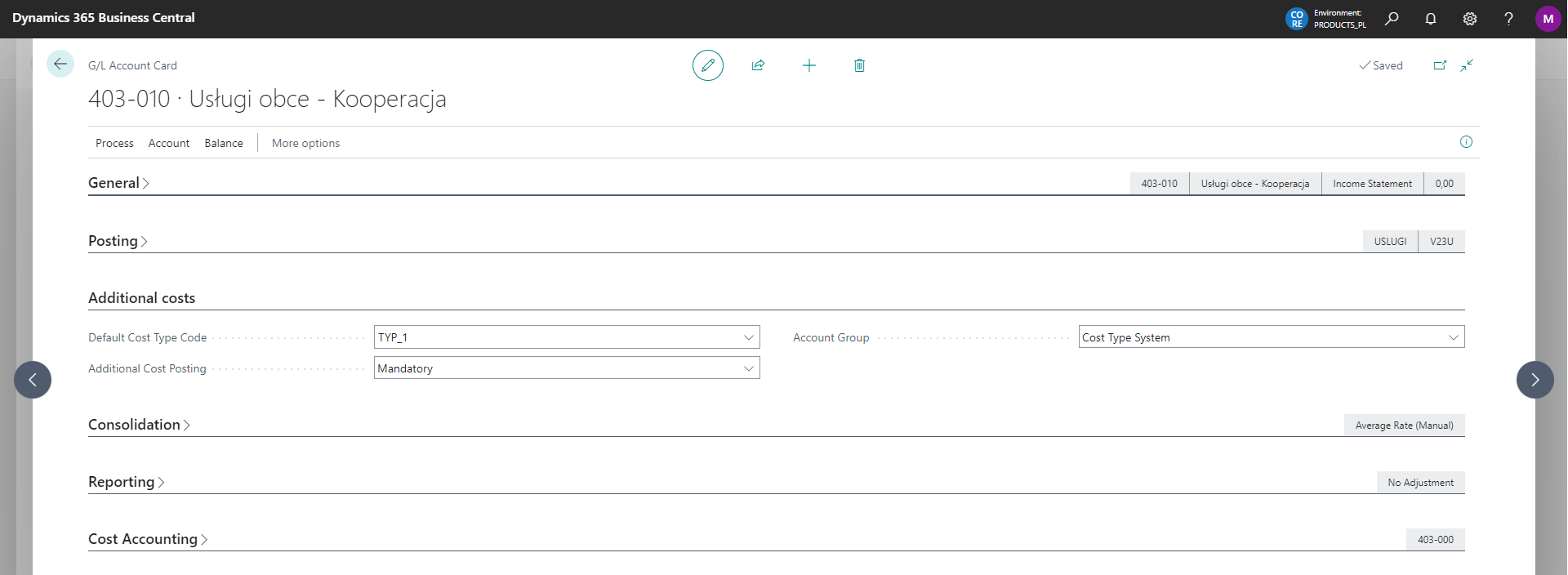
- Settings for additional cost posting

If you enter a dimension value in the document:
- DZIAŁ_1 - the system performs additional posting to accounts 501-100 according to Additional Cost Posting Setup and 490-100 according to General Ledger Setup.
- DZIAŁ_2 - the system performs additional posting to accounts 502-000 and 490-100.
- any other value - the system does not post because no additional cost posting settings are defined for that value. You see an error message.
Use the appropriate dimension or complete the settings.
🧾 Cost posting by setting without using dimensions
Posting a cost to G/L account 403-010 without dimensions and according to the setup.
- Settings in the posting account card
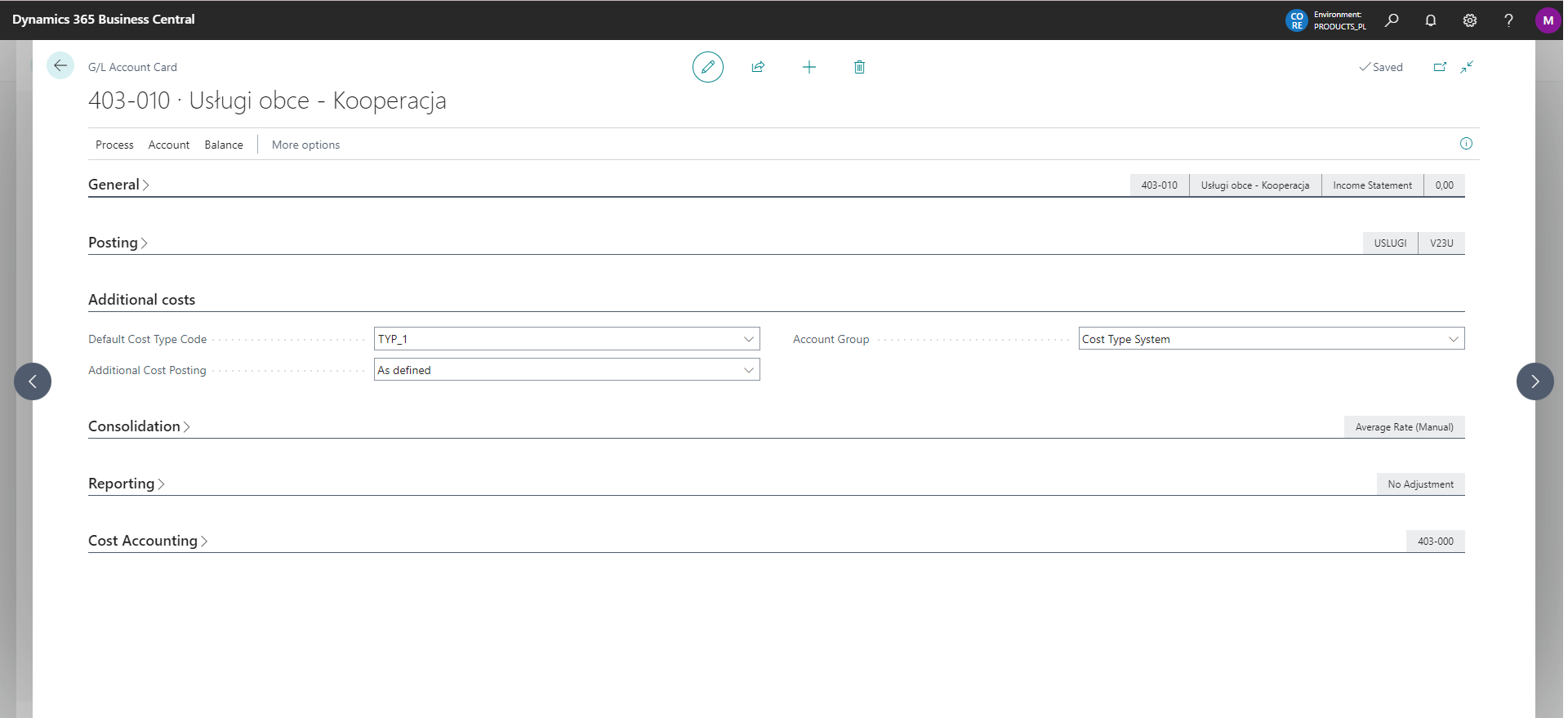
- Settings for additional cost posting

If you enter account 403-010 in the document, the system performs additional posting to accounts 550-002 according to Additional Cost Posting Setup and 490-100 according to General Ledger Setup.
If you remove the first item in Additional Cost Posting Setup that defines settings for Cost Type TYP_1, posting is completed without additional posting.
🔁 Posting using a substitute additional counter account
- Settings in the posting account card
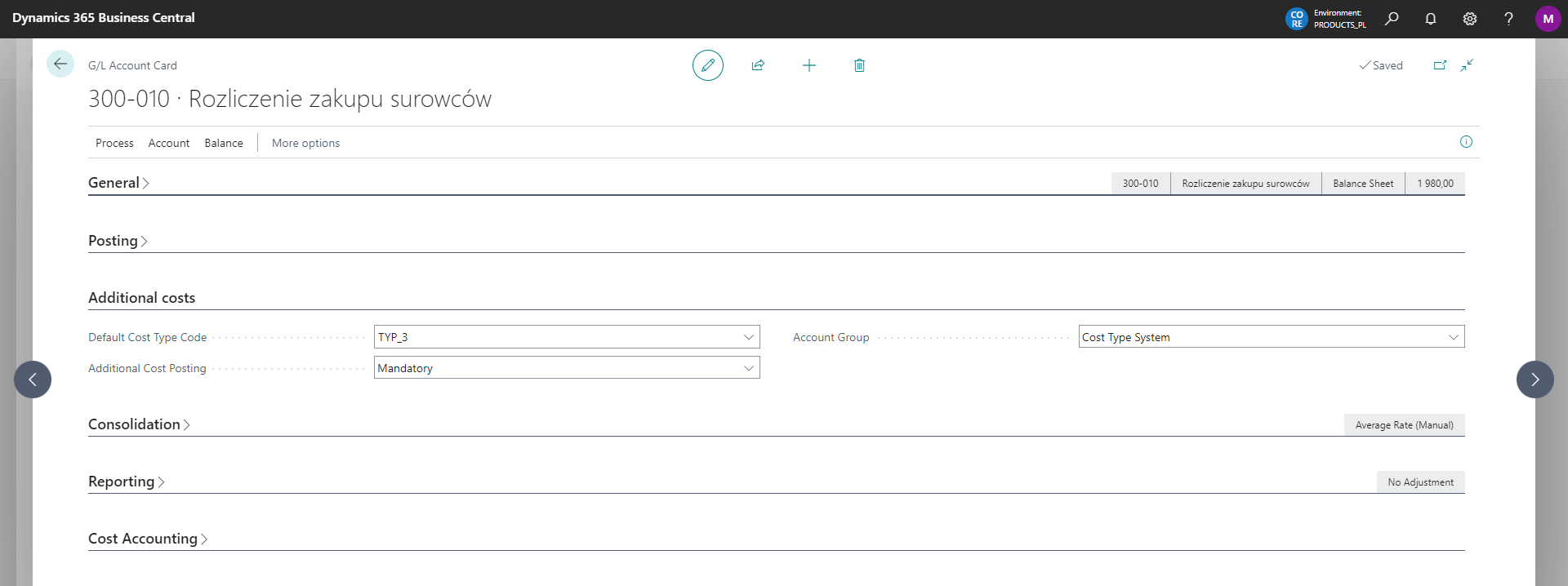
- Settings for additional cost posting

If you enter account 300-010 in the document, the system performs additional posting to accounts 490-100 and 750-010.