Vendor Card
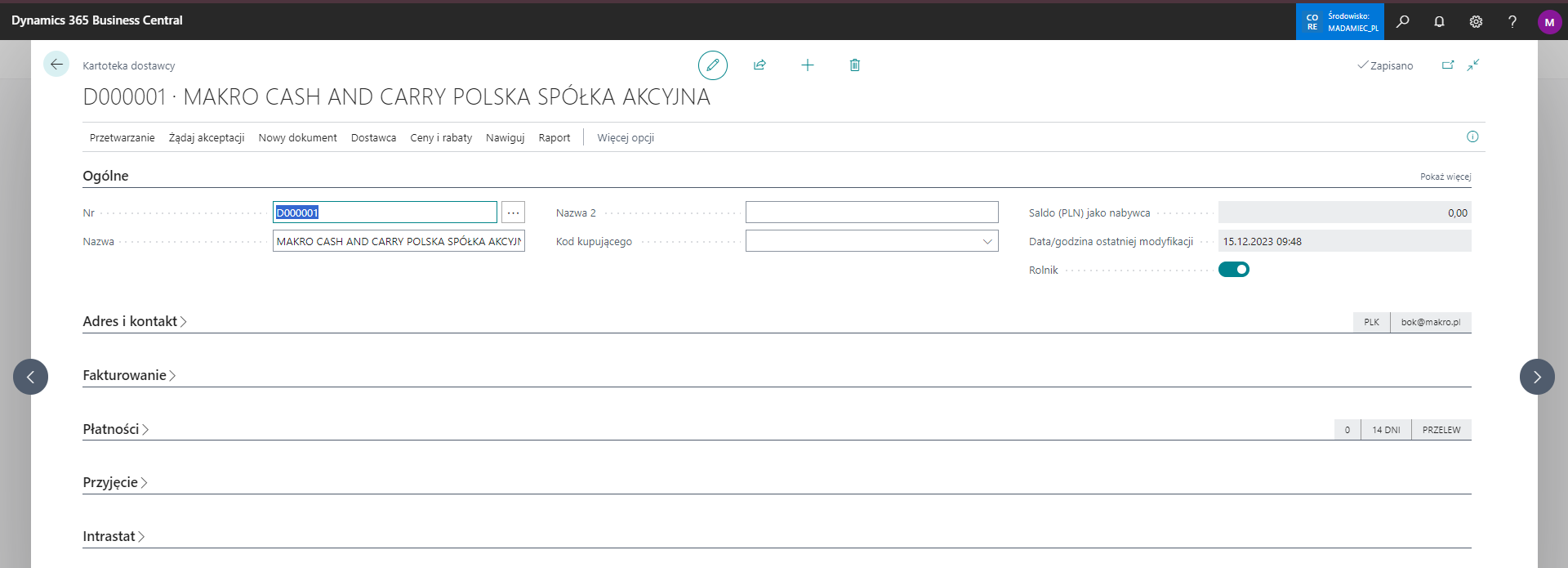
Mark a supplier as a farmer so that the system transfers this status to purchase documents and calculates the deduction.
In addition to Promo Fund Setup, mark the supplier as a farmer on the vendor card.
Tip
The Farmer field is also available in Vendor Templates. You can use a suitable template to create a vendor card with this marking already applied.
Note
The setting on the vendor card transfers the marking to purchase documents and calculates the Promo Fund amount. Otherwise, select the field separately on each new purchase document.