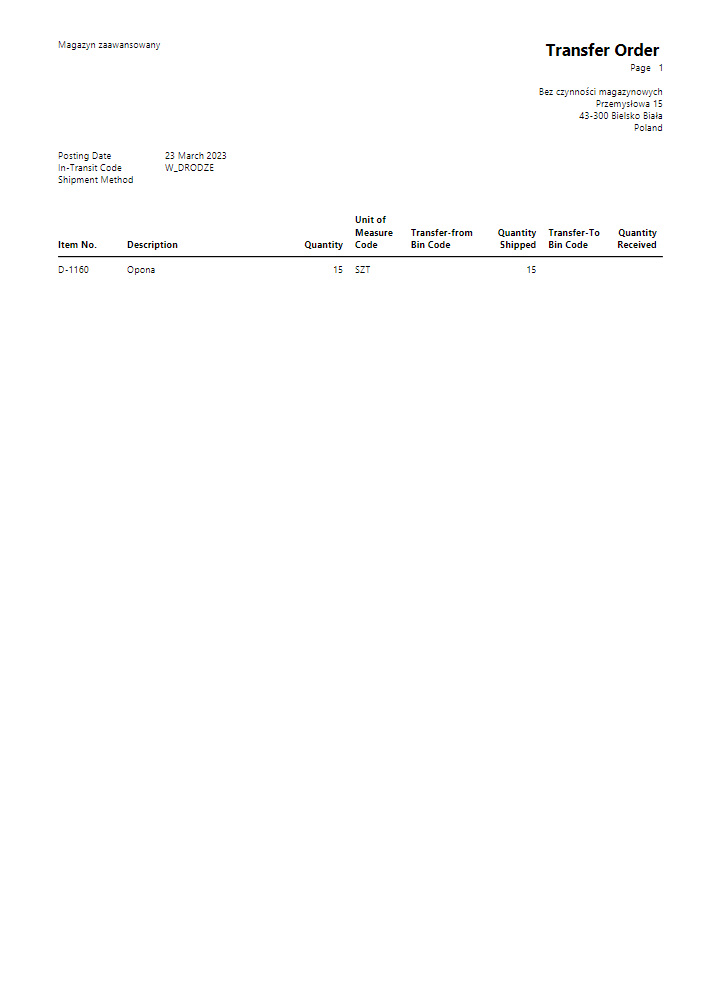
Transfer Order
Reports should first be configured in Report Selection - Inventory.
Printing of the report is possible from the card Transfer Order.
You can configure:
- Header fields - customize which fields appear in the document header
- Additional line fields - add extra information below each line
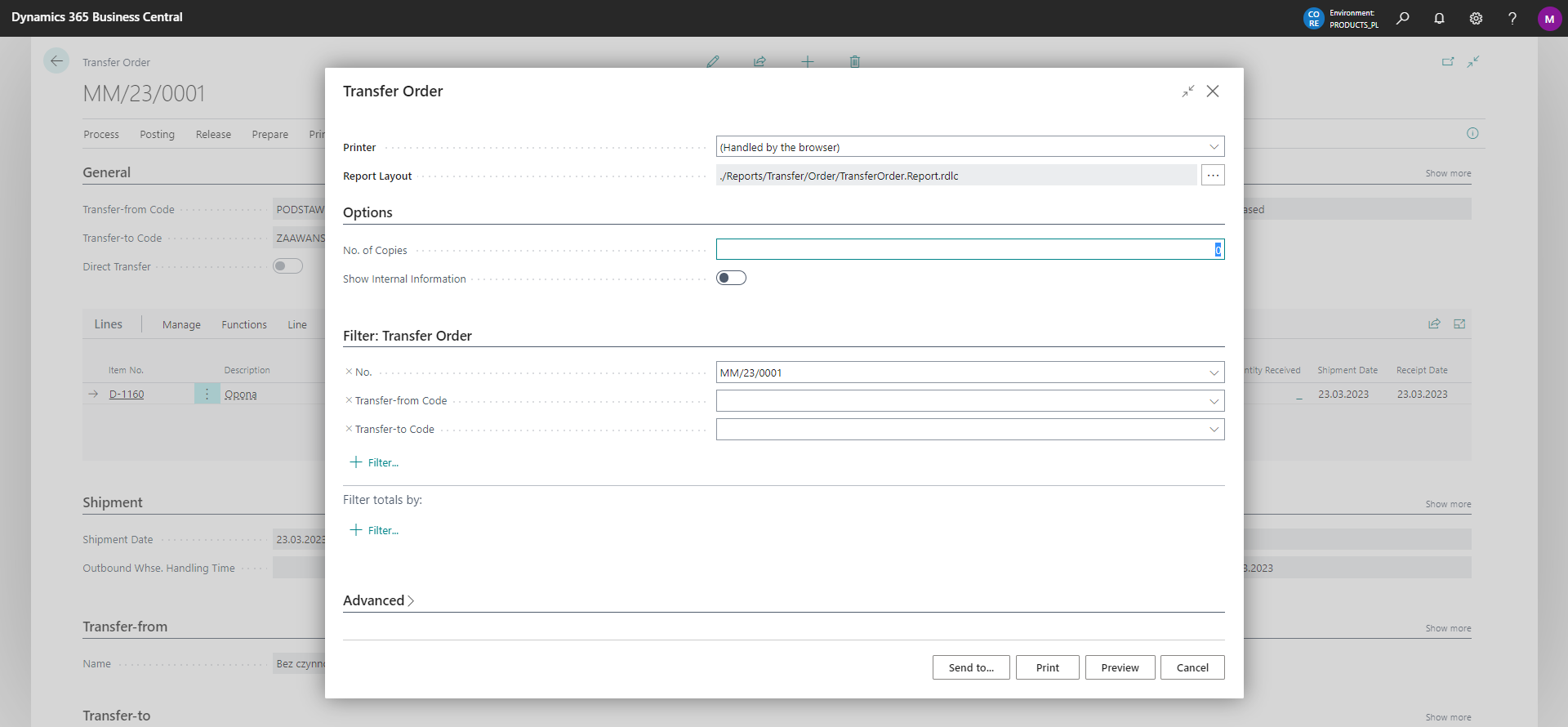
The options we can set for the currently printed report are shown below:
Example preview of the report: